🚀 FAST • SECURE • DIRECT

Transfer Files Between Android & iPhone Instantly

Move photos, videos, documents, PDFs and contacts between your devices without cables, cloud uploads, or internet. Direct peer-to-peer connection, completely private.

Direction
Android ↔ iPhone
Connection
Wi-Fi direct, no cable
Files
Photos, video, docs, contacts
Data collected
None, per store disclosures

TransferQueen

Sending files

Photo Share App

Android — TransferQueen iPhone — Photo Share App

🔒 Safe & Private | No Account Required | Direct Device Connection | Google Play & App Store

What Can You Transfer?

📸

Photos & Images

Transfer your entire photo library or just the pics you want

🎬

Videos

Send videos directly without cloud upload delays

🎵

Music & Audio

Move your music files between devices instantly

📄

Documents

Transfer PDFs, Word docs, and other files

📋

Contacts

Move your contact list when switching phones

And More

Support for various other file types

Works Across All Platforms

Android ↔ iPhone

Switch phones between platforms seamlessly

Android ↔ Android

Transfer between two Android devices

iPhone ↔ iPhone

Share files between iPhones easily

All Directions

Transfer files in any direction you need

Four Steps, Both Phones

No account setup to dig through. Open the app, connect, pick your files, send.

01

Open TransferQueen on both devices

Install TransferQueen (Android) or "TransferQueen: Photo Share App" (iPhone) and open it on both devices.

02

Connect the devices

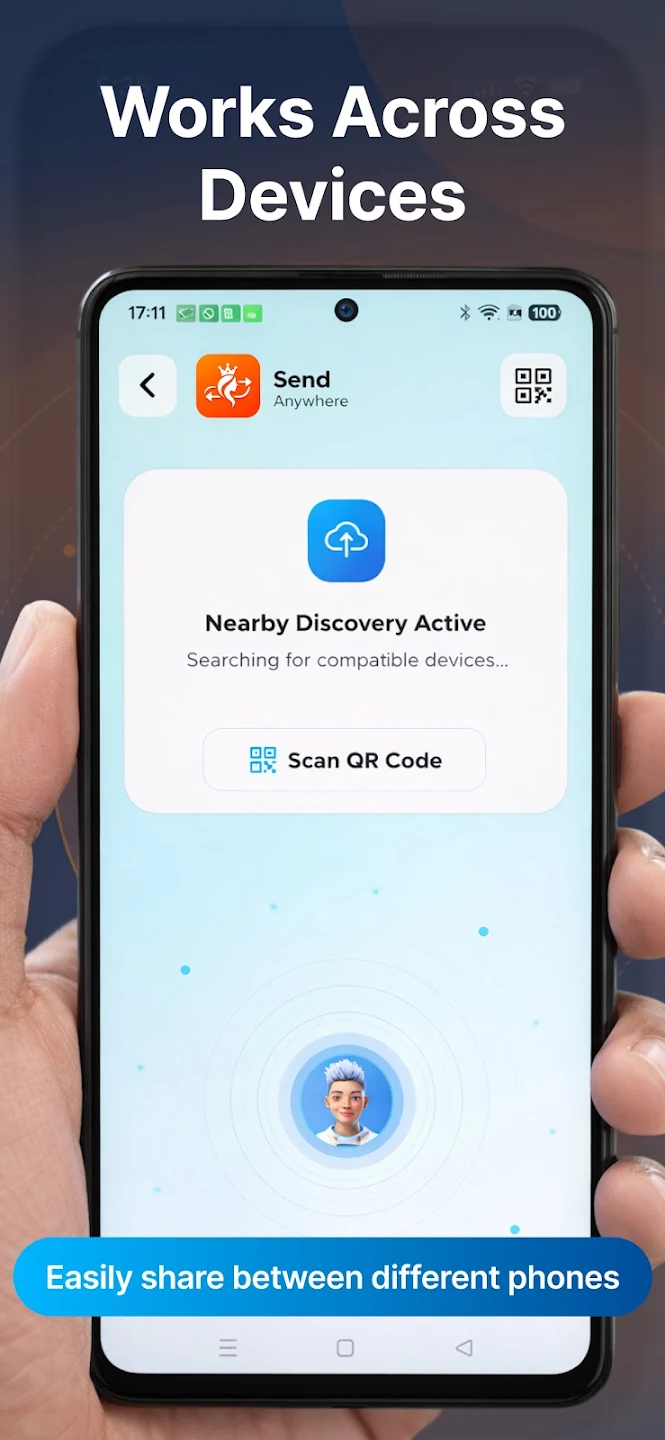
Connect over Wi-Fi using Nearby Discovery to find a compatible device close by, or scan a QR code to pair directly.

03

Select the files you want to share

Choose photos, videos, documents, PDFs, contacts, or other supported files from your device.

04

Start the transfer

Send your files. The connection is direct between devices, so nothing needs to pass through mobile data or a cloud upload.

Why Use TransferQueen?

Works across Android and iPhone

Share between Android and iPhone, Android and Android, or iPhone and iPhone — all from one app.

No internet connection needed

Connects over a direct Wi-Fi link between devices, so transfers work without mobile data or a Wi-Fi network to join.

Connect by Nearby Discovery or QR code

Find a compatible device automatically, or scan a QR code to pair two devices directly.

Your files stay on your devices

Files move directly between devices rather than through a cloud upload and download in between.

Built with privacy in mind

TransferQueen's Play Store data safety disclosure states no data is collected and no data is shared with third parties.

Multiple file types in one place

Photos, videos, music, documents, PDFs, contacts, and other supported files.

See It In Action

Simple, intuitive interface for seamless file sharing
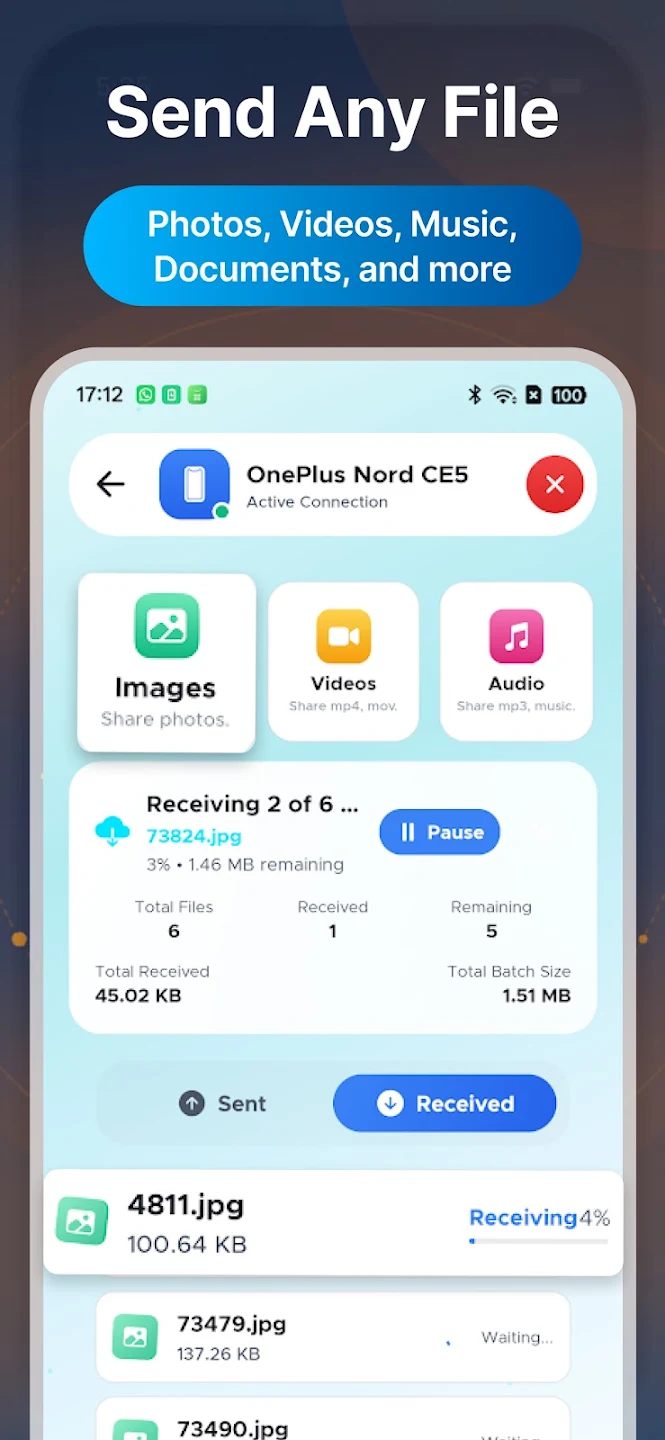
TransferQueen - Send Any File (Photos, Videos, Music, Documents)

Send Any File Type

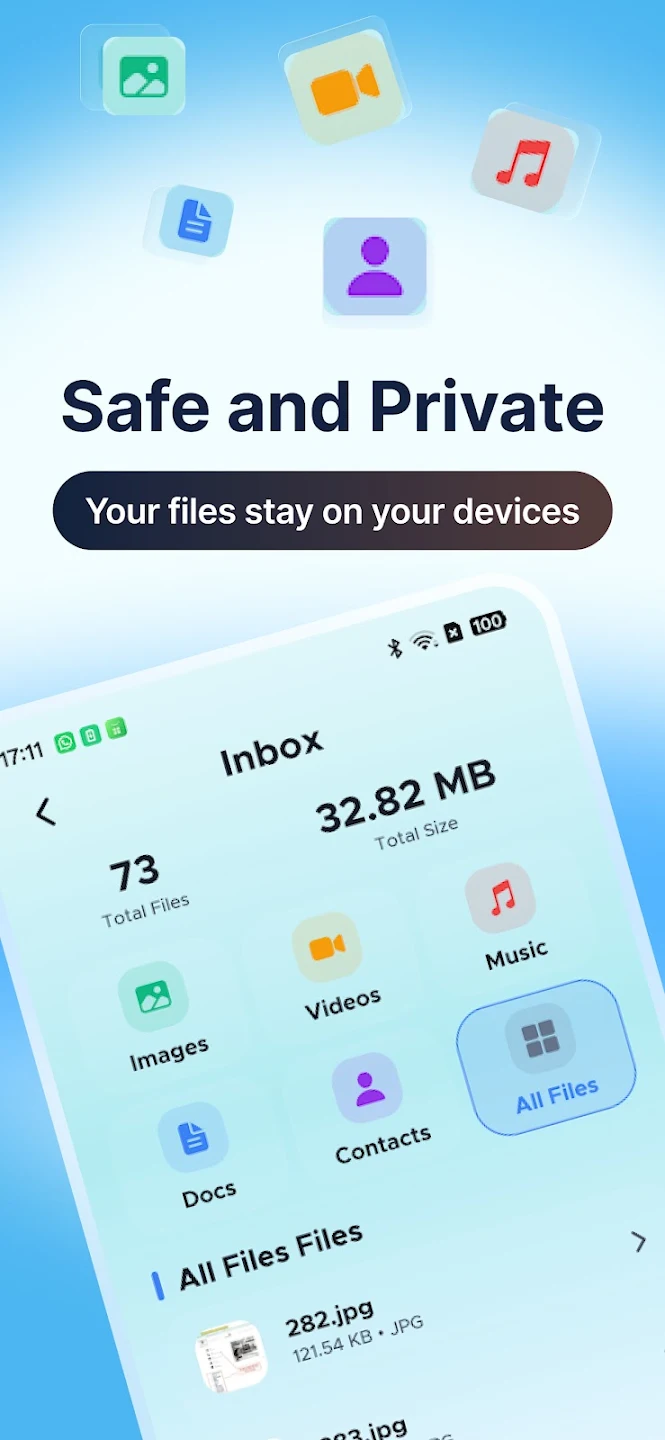
TransferQueen - Safe and Private Inbox with Images, Videos, Music, Documents, and Contacts

Safe & Private

TransferQueen - Works Across Devices with Nearby Discovery and QR Code pairing

Cross-Device Transfer

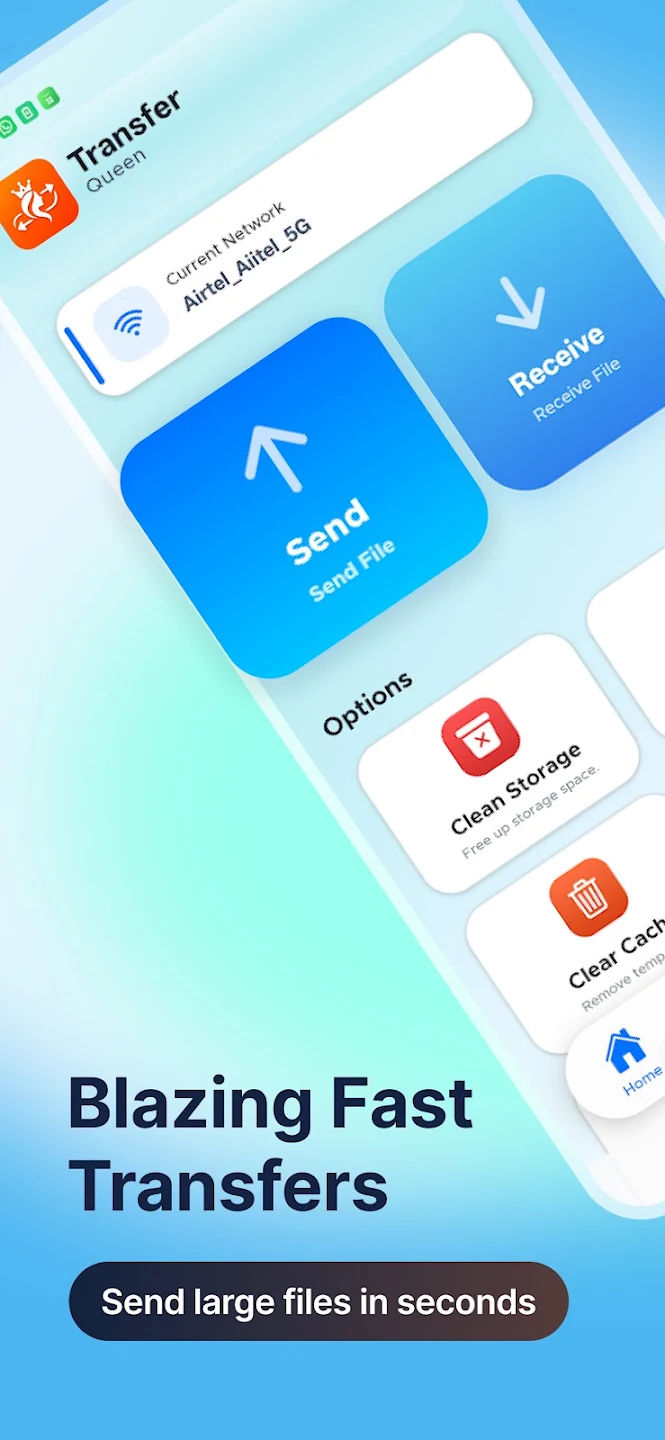
TransferQueen - Blazing Fast Transfers with Send and Receive options

Lightning Fast

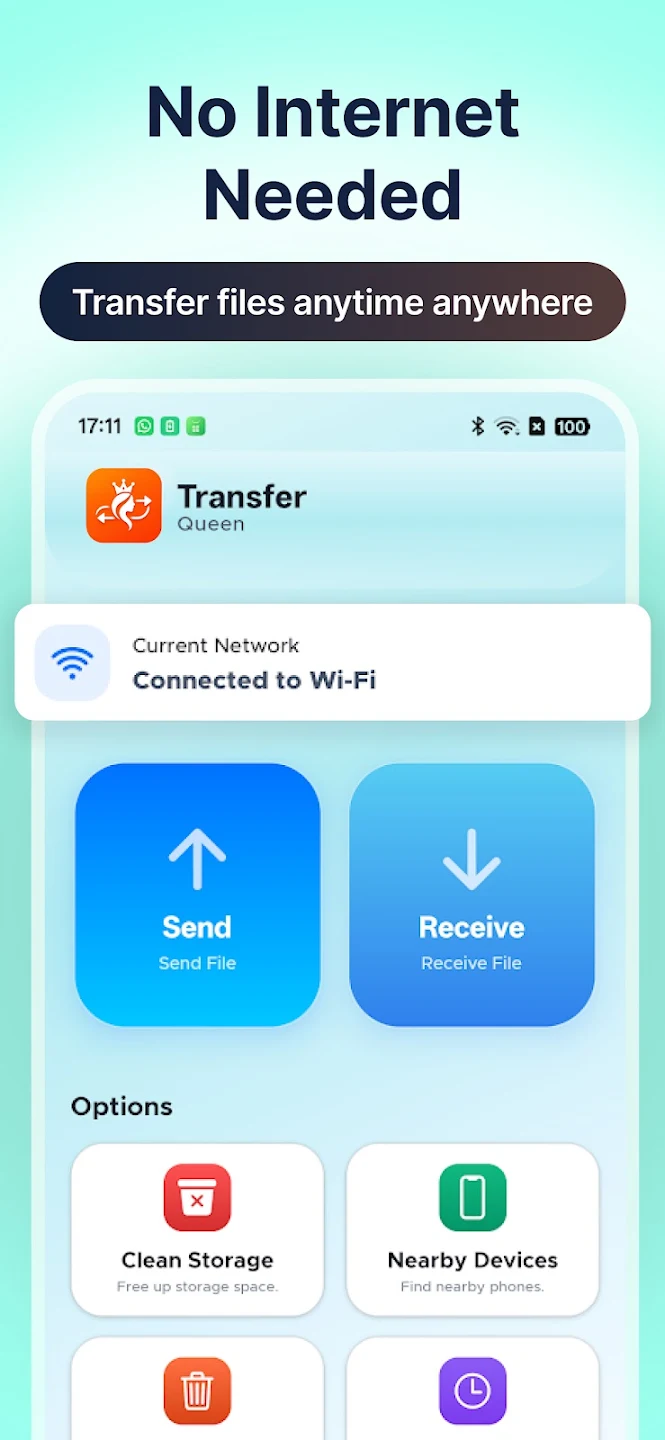
TransferQueen - No Internet Needed for offline file transfer with Wi-Fi connection

Offline Transfer

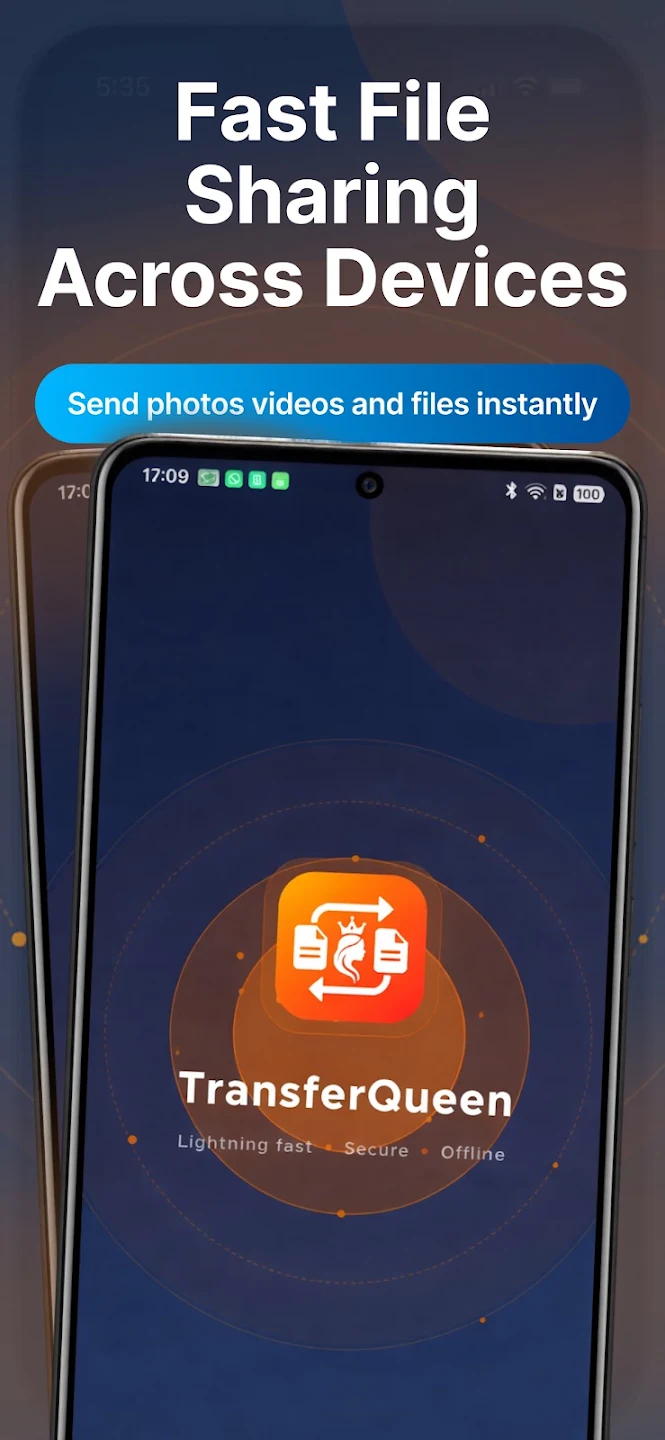
TransferQueen App - Full Interface showing Lightning fast, Secure, and Offline capabilities

Full App Experience

Questions People Actually Ask

Yes. iPhone users install "TransferQueen: Photo Share App" from the App Store — a separate listing from the Android app, published by the same developer, that connects with the Android app to complete a transfer.

Open TransferQueen on your Android phone and "TransferQueen: Photo Share App" on your iPhone, connect the two devices, choose the photos, videos, documents, PDFs or contacts you want to send, then start the transfer.

Photos are one of TransferQueen's supported file types — connect your Android phone and iPhone in the app, select the photos you want to send, and start the transfer.

Yes, video is one of the file types TransferQueen is built to share between Android and iPhone.

Yes, contacts are listed as a supported file type for transfer between devices.

Yes, Android-to-Android transfer is one of the four supported directions.

Yes, iPhone-to-iPhone transfer is one of the four supported directions.

Yes. TransferQueen supports transfers in both directions — Android to iPhone and iPhone to Android.

No. TransferQueen connects devices directly over Wi-Fi, using Nearby Discovery or QR code pairing, rather than requiring a USB cable.

No. TransferQueen is built to transfer files without an internet connection, connecting two nearby devices directly instead of routing through the web.

No. TransferQueen connects devices directly rather than uploading your files to cloud storage first — your files stay on your devices.

Photos and images, videos, music and audio files, documents, PDF files, contacts, and other supported files.

Download TransferQueen Today

Available on both Google Play and Apple App Store

Android App TransferQueen
iOS App TransferQueen: Photo Share App
Developer APPLEPIE APPLICATIONS
Category Tools & Productivity

No Cables. No Cloud. No Hassle.

Experience the fastest way to share files between your Android and iPhone devices

Download TransferQueen

Available for Android 6.0+ and iOS 13+